 similarminds.com
Sign in to start Personality History
Apple or Google sign-in is required to use Personality History. Signing in lets us save your monthly results and connect them over time. Personality History is entirely free.
After sign-in, you will go straight to the test.
Lost access to existing results?
Prefer not to sign in? Take other personality tests.
Your results are private unless you choose to share them. Privacy
Explore the app
Example app screens. Swipe or use the arrows to explore.
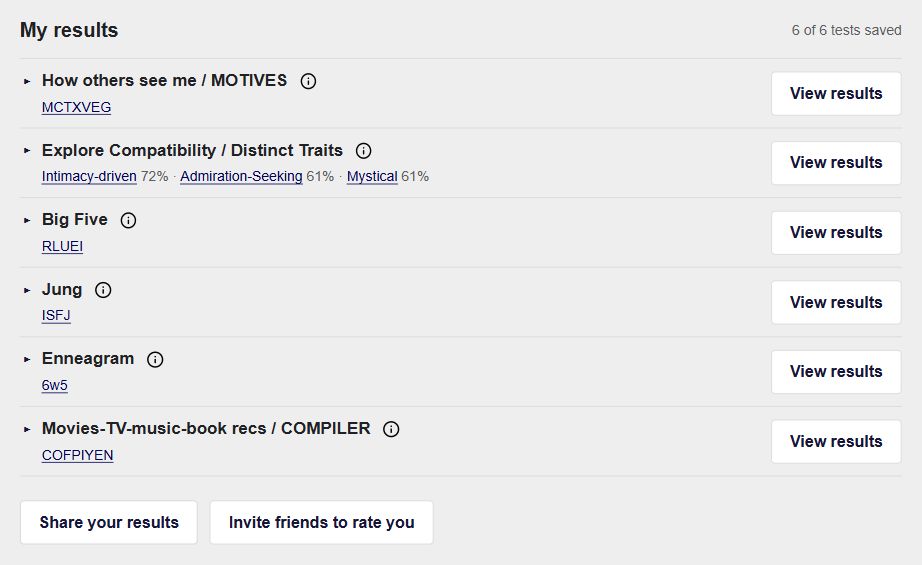
Your results, together
Keep MOTIVES, Distinct Traits, Big Five, Jung, Enneagram and COMPILER results in one profile. Expand any row to see your scores and descriptions, or retake a test.
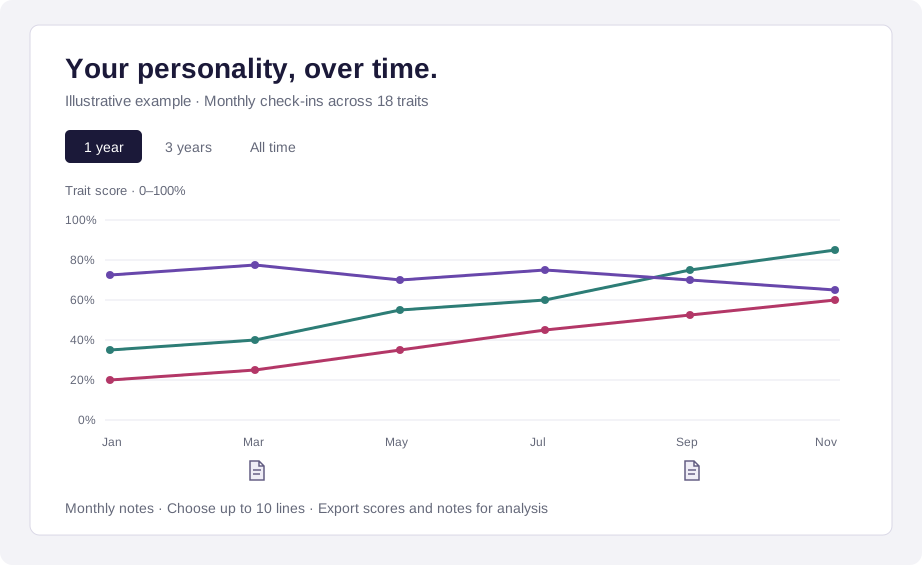
Your personality, over time
Take a monthly check-in across 18 traits. Follow your scores, add monthly notes, and export your history for AI analysis. Start your personality history →
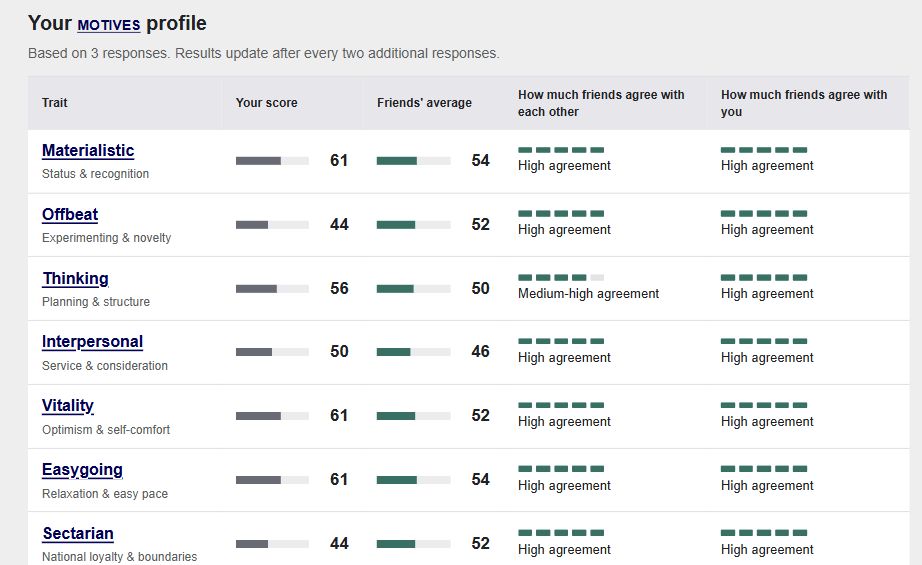
See yourself through your friends’ eyes
How Others See Me gives you your own MOTIVES results and an invitation for friends to rate you. Compare your scores with their combined impressions and see how much they agree.
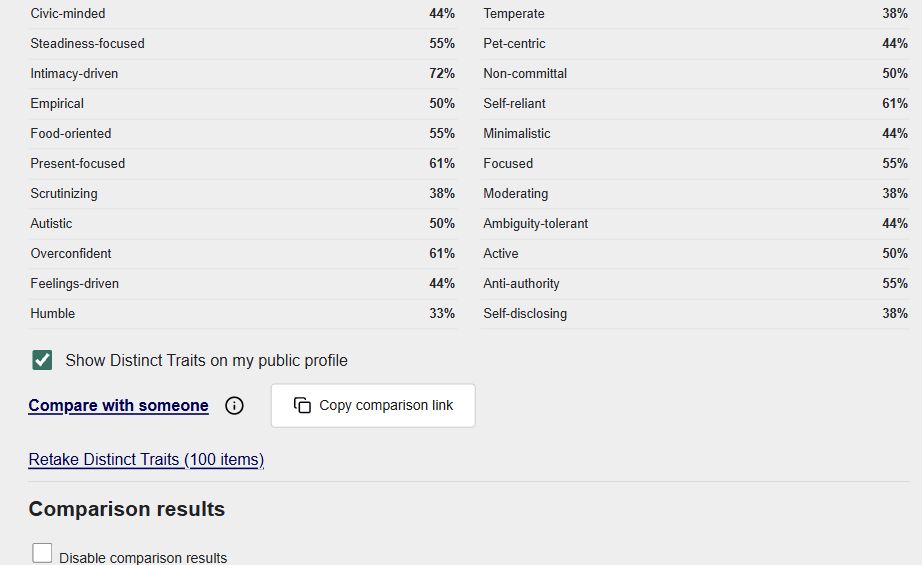
Explore similarity and compatibility
Measure 32 Distinct Traits, then use Compare with someone or share your comparison link. See where you resemble each other and explore compatibility scores and saved comparisons.
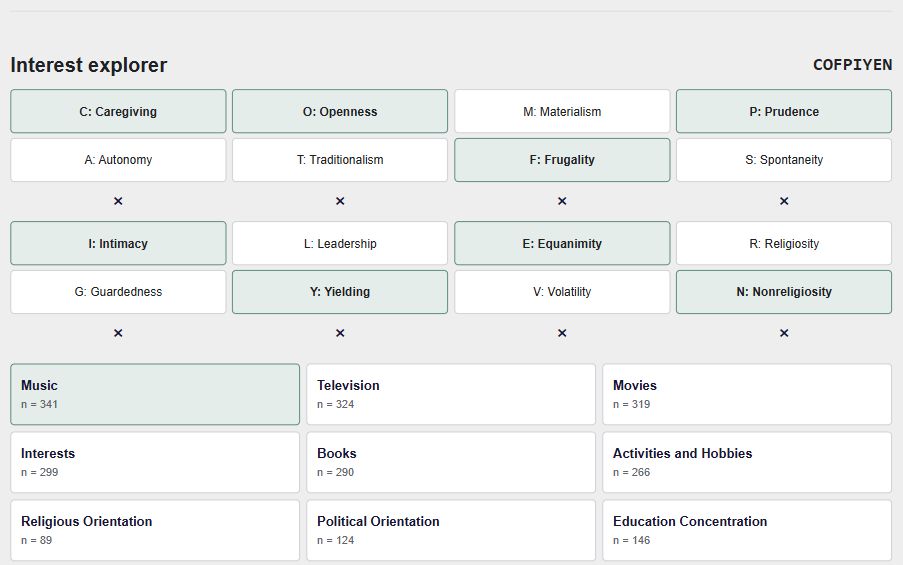
Explore your type’s interests
COMPILER connects your eight-trait type with historical music, movie, TV, book and other preferences. Choose categories, compare distinctive and most-listed entries, or broaden the search by selecting fewer traits.
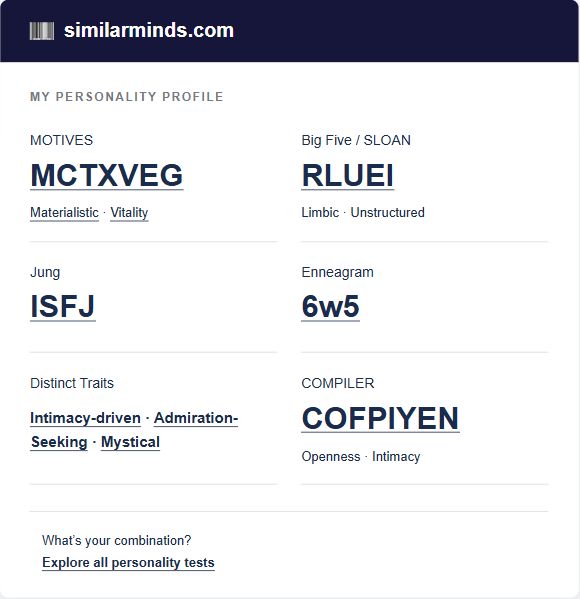
Share a card or text results
Choose an individual test card or combine your results. Share an image, share text, download the image, or send a test link. The results card leaves out your private profile link and answers.
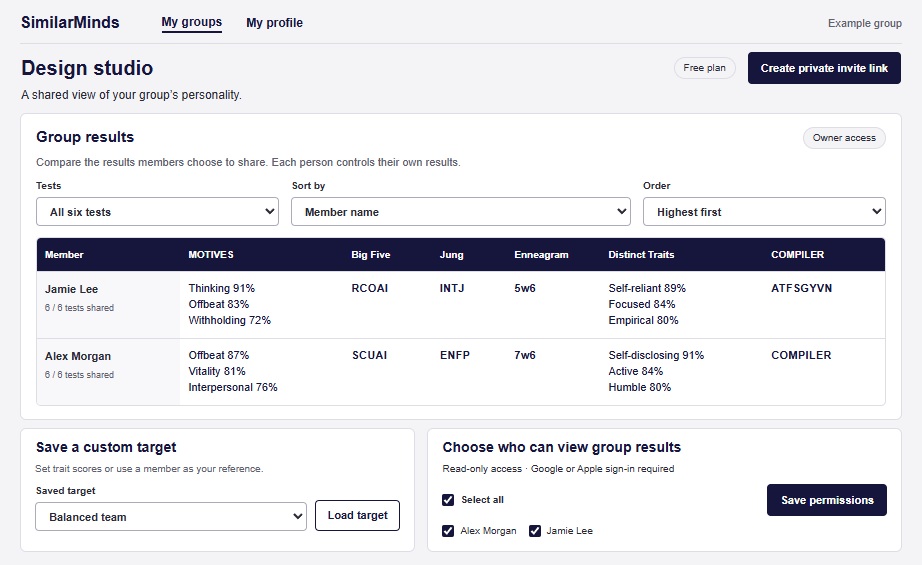
My groups
Create a group (for the personality test results of your friends, an organization, business, etc.), invite people and choose which test results to share. View all shared results together, sort by trait scores, and compare members with a selected profile or your own customized target scores. Group owners choose who can view the group (only you, a few select members, or every group member).
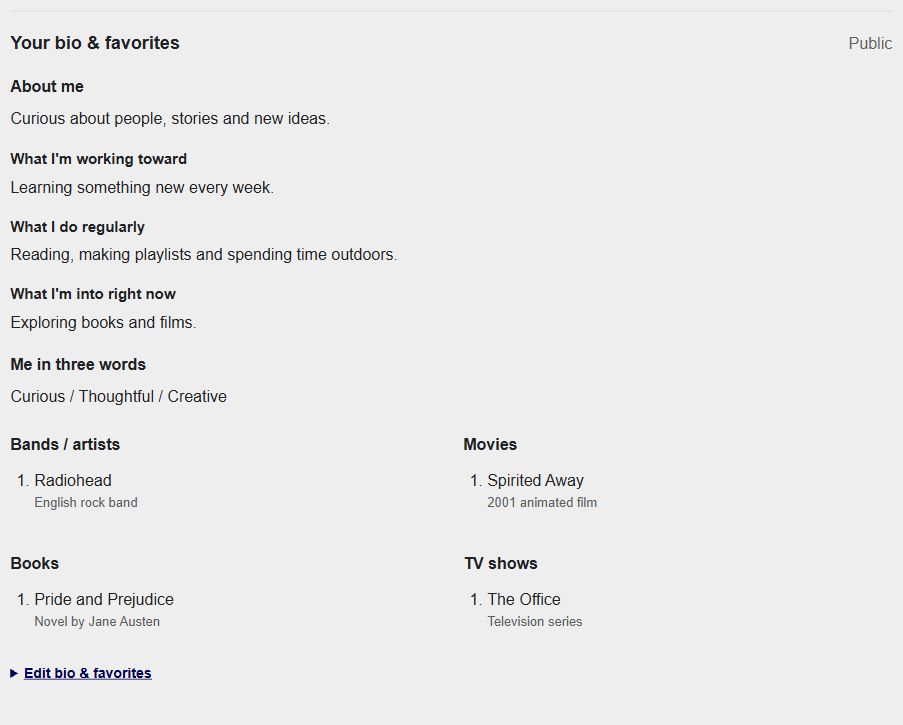
Add your bio and favorites
Personalize your profile with a bio, city, favorite music, movies, TV shows and books. Add what you are working toward, what you do regularly and what interests you now. Search suggestions help you find the right titles and artists.
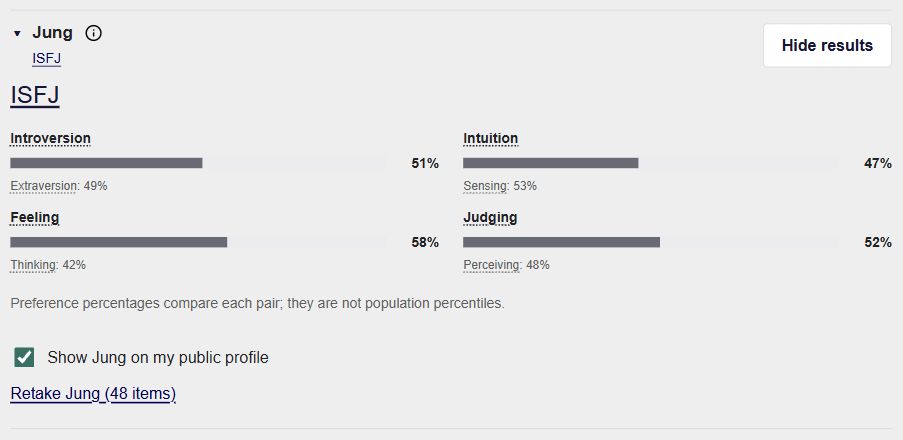
Choose what you make public
Enable a public profile link when you want to share it. Each saved test has its own public-profile checkbox, so you choose which results appear. Keep your private profile link to yourself.
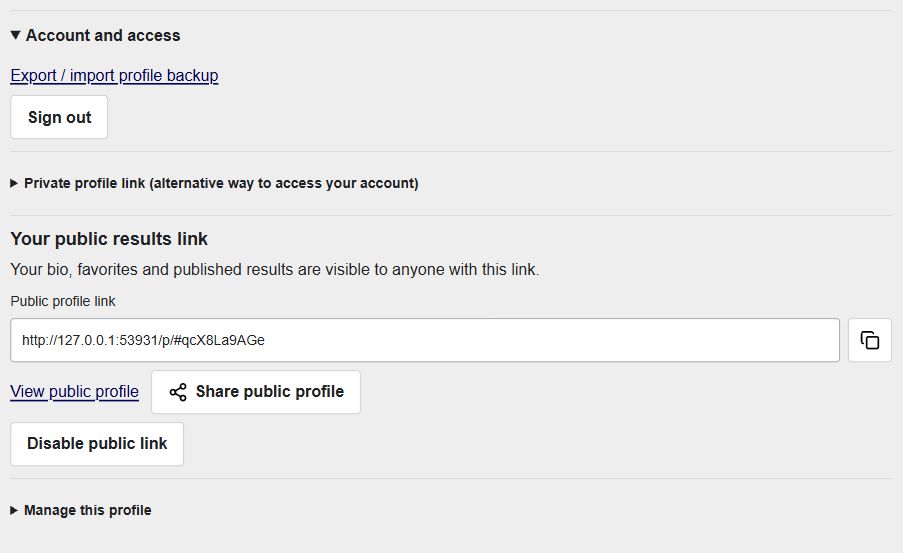
Keep access to your profile
Use Google or Apple sign-in, or keep your private profile link as another way to access your account. Export a profile backup and import it when you need to restore a profile.